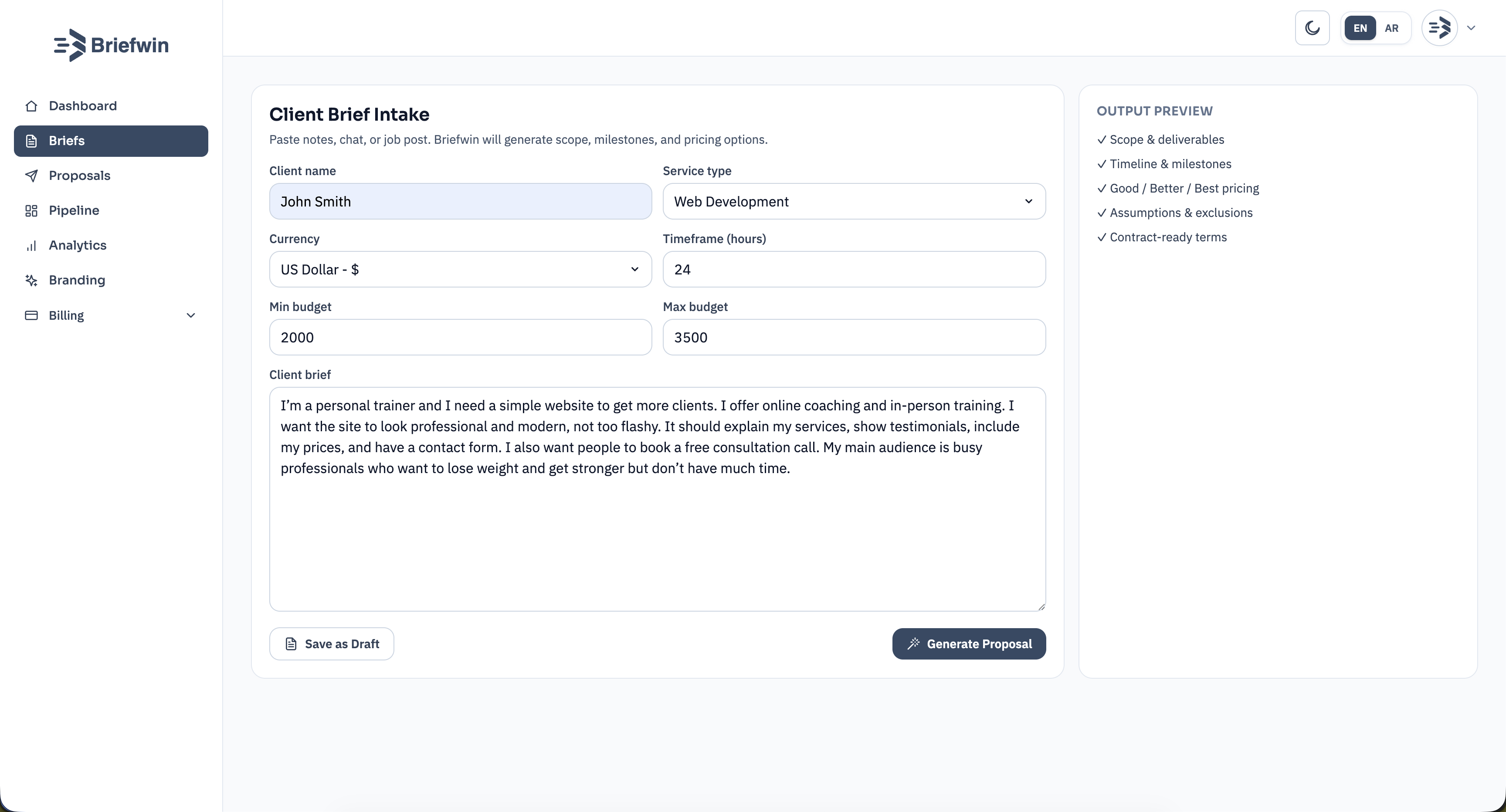
Paste the client brief
Start with rough notes, emails, or chat messages from your client. Briefwin turns the messy input into a structured proposal draft.
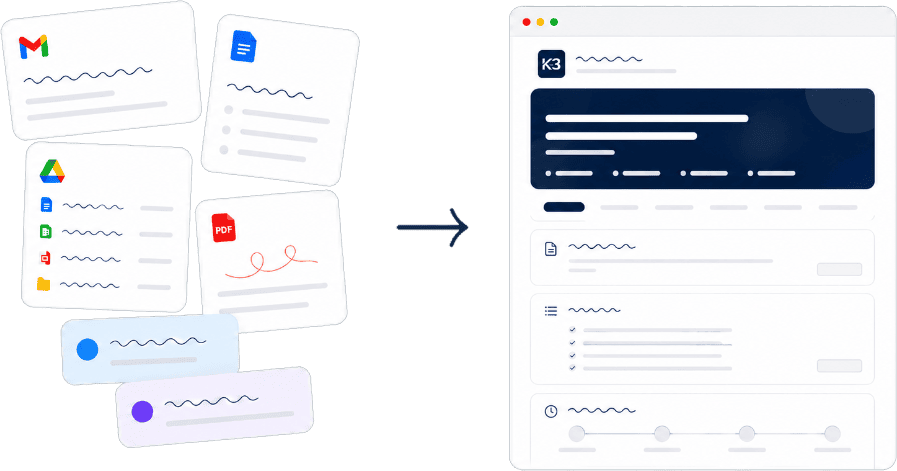
For freelancers, agencies, and service teams
Generate a polished proposal, customize it with your brand, and share one link. Clients give feedback and approve without creating an account.
Free first proposal · No credit card required · You review before sharing
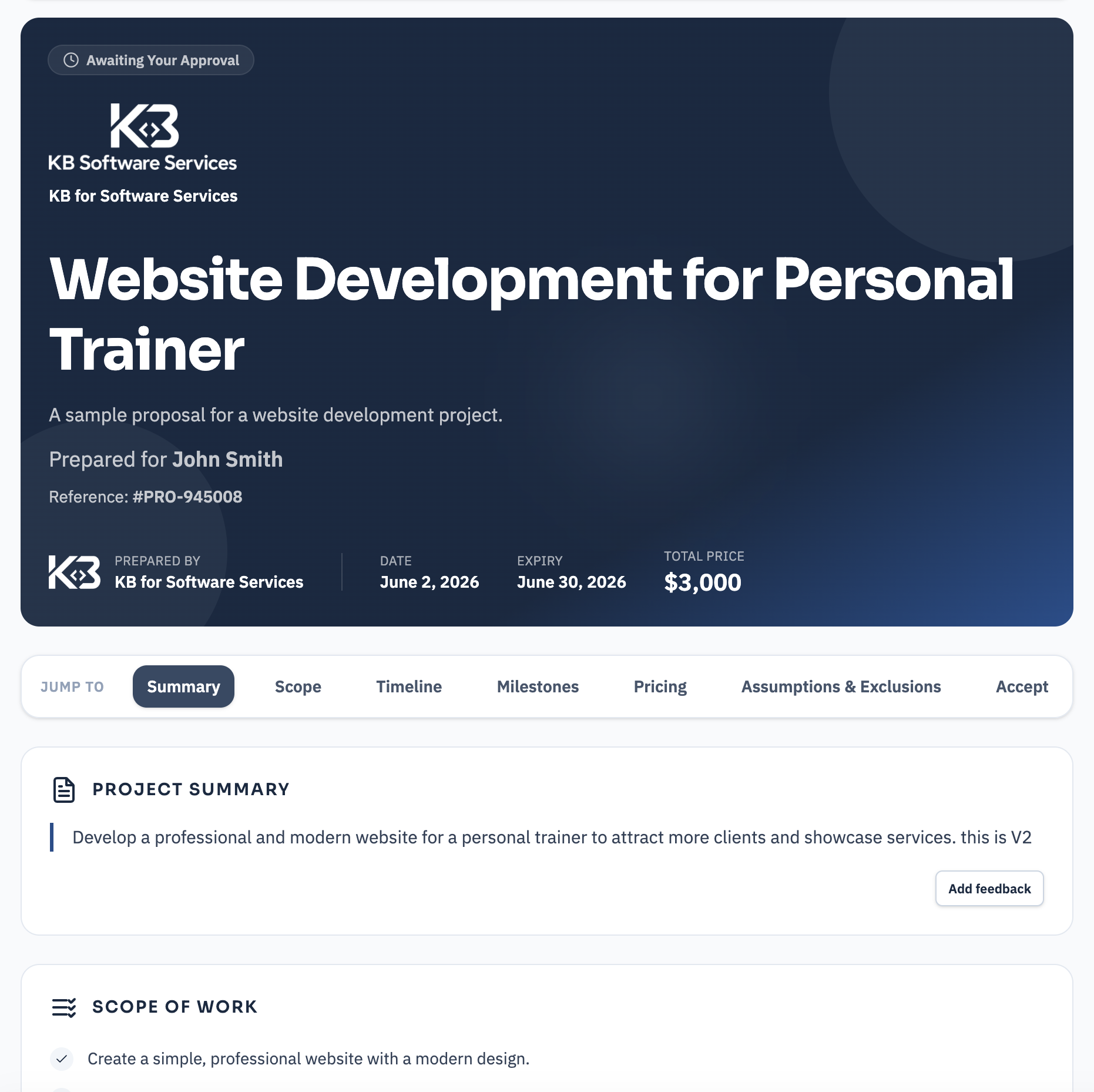
Client preview
A branded proposal page with your logo, colors, pricing, scope, inline feedback, and one-click approval built in.
Build the proposal, brand the client page, then send one feedback and approval link.
Start with rough notes, emails, or chat messages from your client. Briefwin turns the messy input into a structured proposal draft.
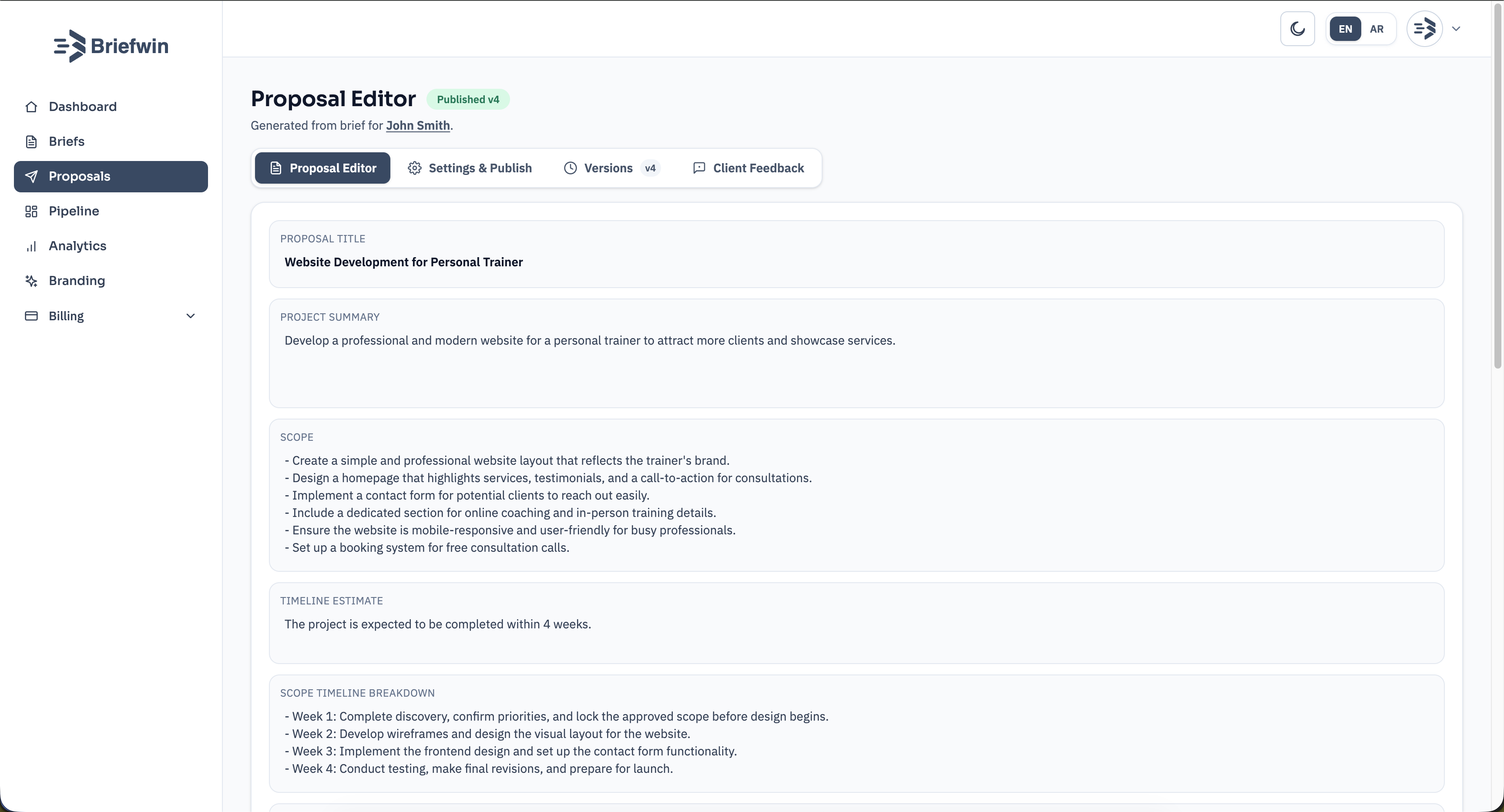
Edit the generated scope, milestones, pricing, timeline, and terms before sharing anything with your client.
Upload your logo and choose your brand colors once. Briefwin keeps them consistent across every proposal your client sees.
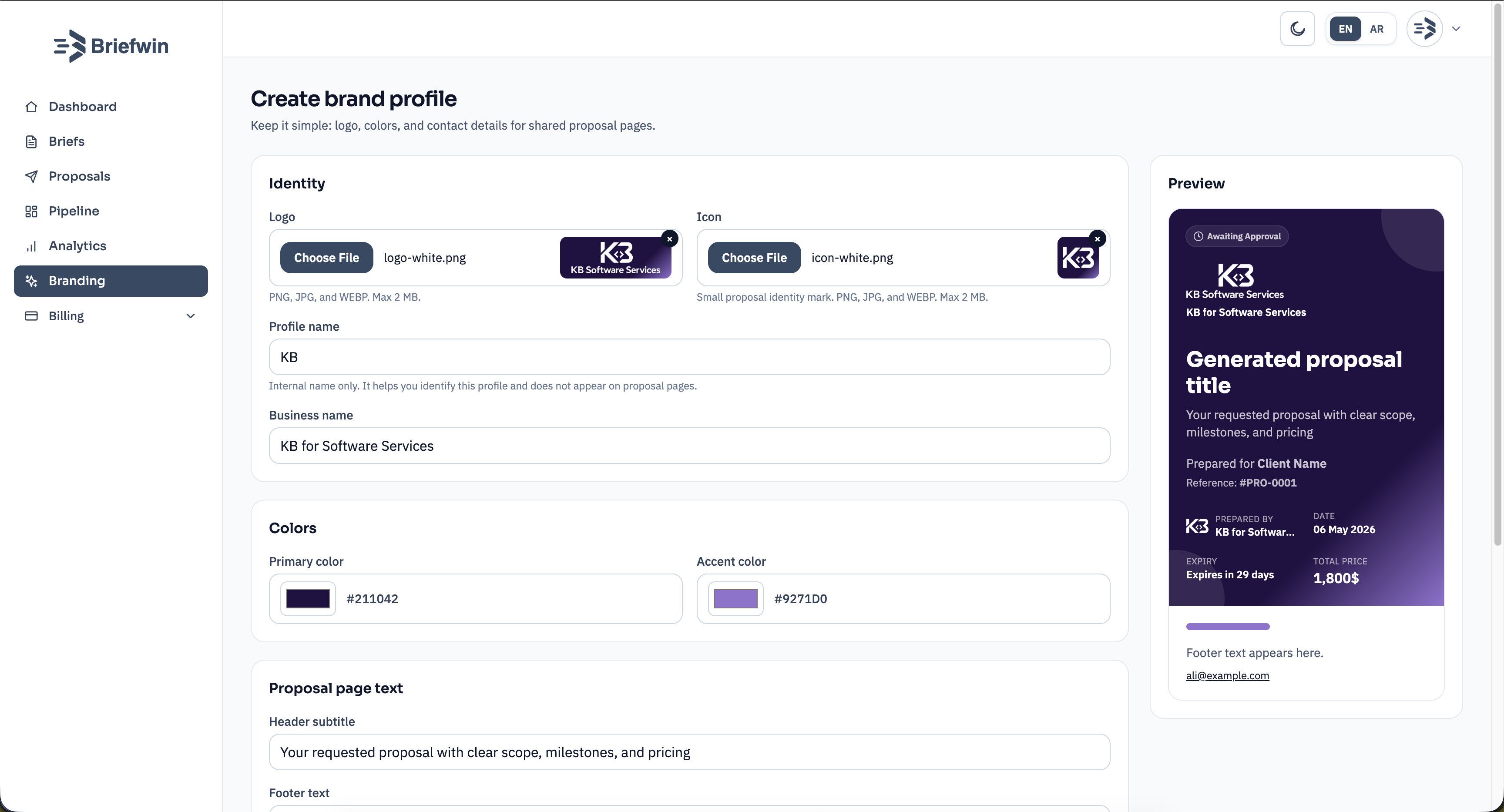
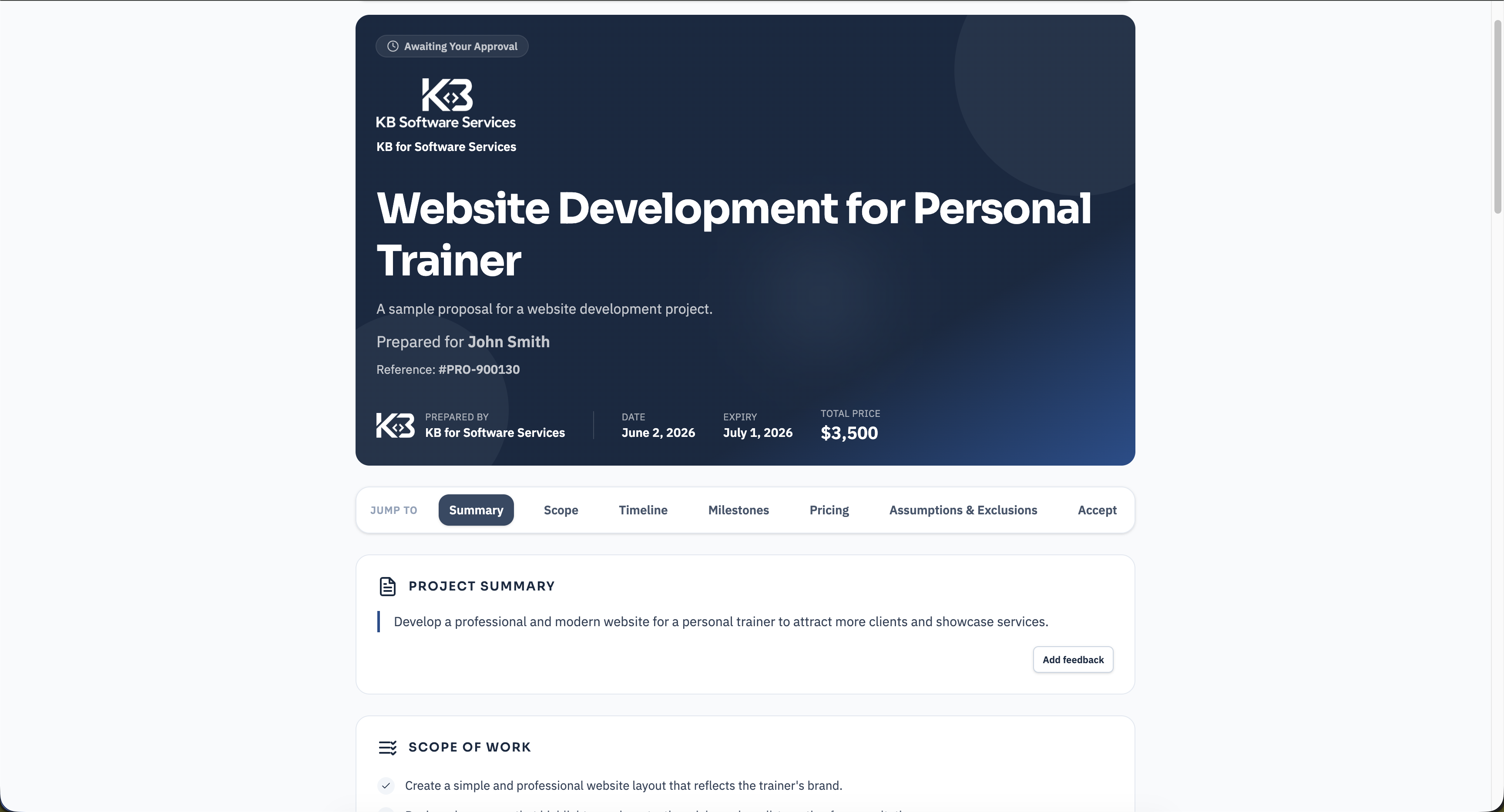
Your client sees a clean proposal page with your business name, logo, scope, pricing, feedback, and approval in one place.
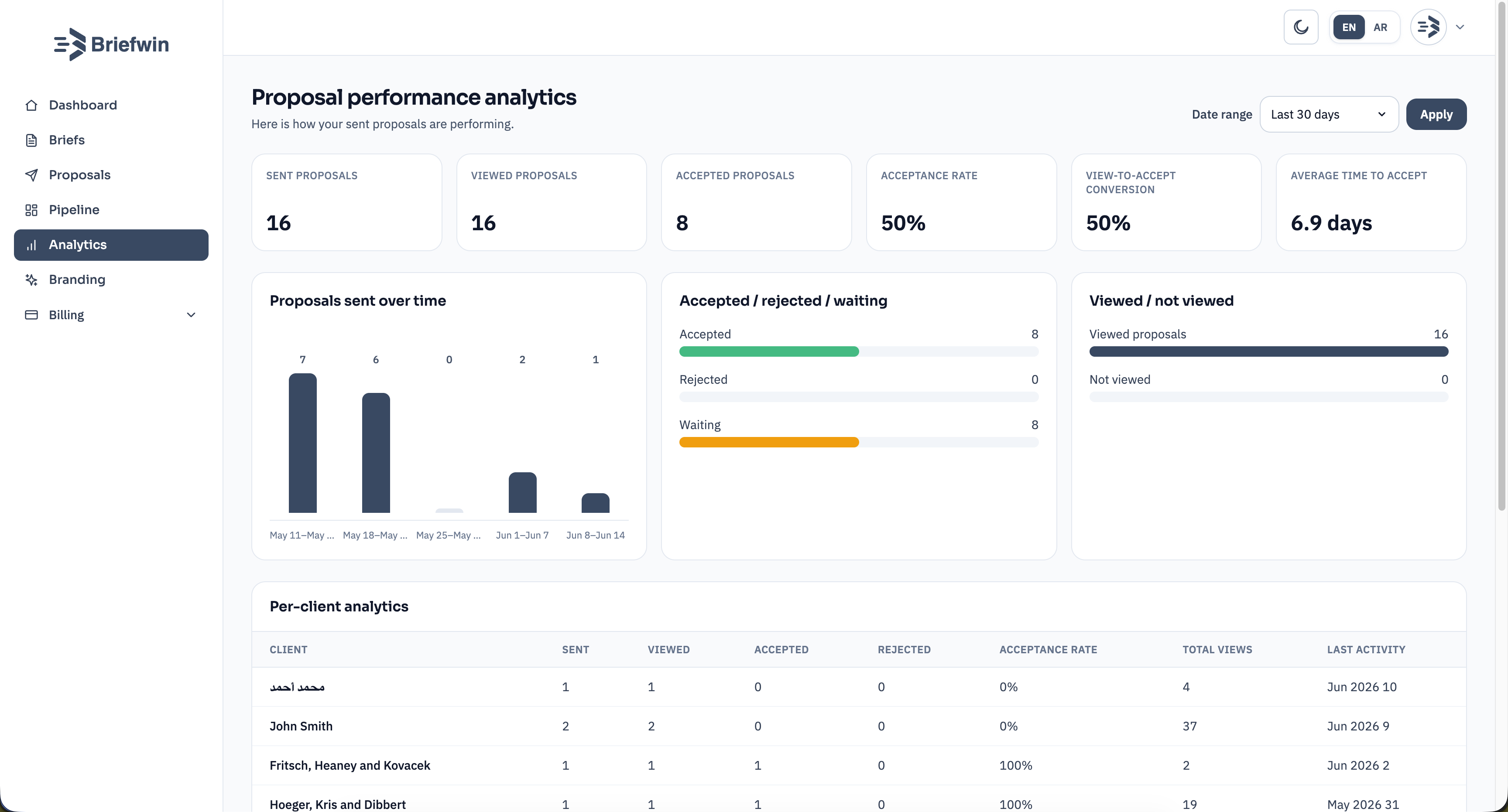
See when the proposal is viewed, accepted, or when the client leaves feedback.
From messy notes to a client-ready proposal - without rebuilding everything from scratch.
Paste chat messages, emails, PDFs, or rough notes. Briefwin turns scattered input into a structured first draft.
Adjust the scope, pricing, milestones, timeline, and terms before publishing. You stay in control of what gets shared.
Send a professional client page with the proposal, pricing, acceptance, and feedback in one place.
Choose the tier that matches your current workflow. You can upgrade anytime.
For freelancers who send client-ready proposals regularly
70 proposals/month
For freelancers and small teams handling more proposal volume
200 proposals/month
Briefwin keeps the whole proposal workflow in one place: turn a client brief into a structured draft, edit the scope and pricing, publish a shareable link, and review client feedback.
Most proposal tools focus on polished documents after you already know what to send. Briefwin supports the full flow; start with messy client input, generate a structured draft, edit and brand it, then share a client-facing link for feedback or approval.
No. Clients open the proposal link, review the scope and pricing, leave feedback, and approve without creating an account.
Yes. Every proposal is fully editable - scope, milestones, pricing, and terms. Nothing goes to a client until you review and publish it yourself.
No. Briefwin never sends or shares a proposal automatically. You decide when to publish it and who receives the proposal link.
Yes. You can add your logo, business details, and brand settings so the client-facing proposal page feels like it came from your business.
Yes. You can add password protection to shared proposal links so only the intended client can view them.
Yes. You can cancel your subscription anytime and there will be no future billing.
Generate the draft, brand it, and share one proposal link when you are ready.
Create your first proposal